

Interlibrary Loan
Request books and articles that the library does not own
to support your teaching, learning, and research.
- Go to Interlibrary Loan
- Select item format (book, journal article, chapter or portion of a book, and etc.)
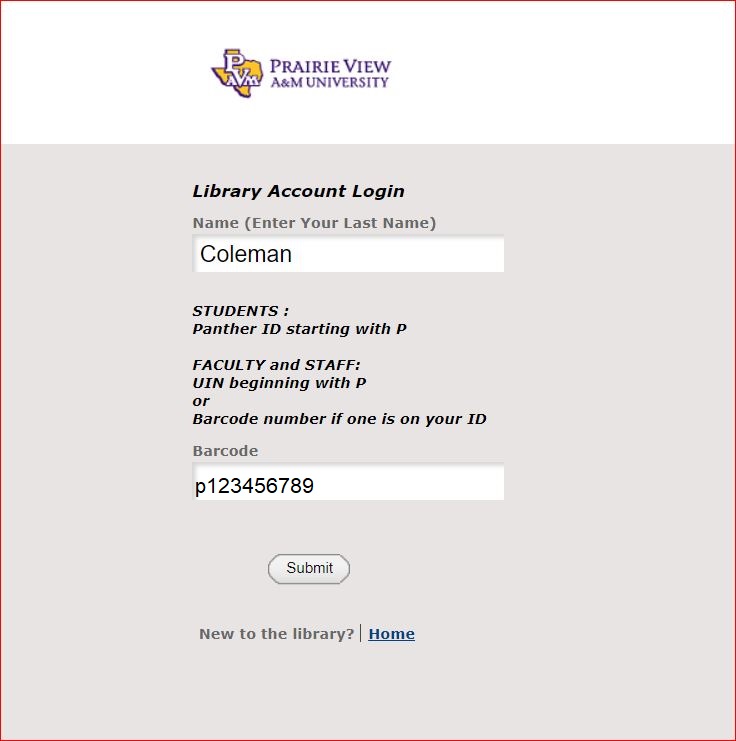
- Sign in with your last name and pvamu ID number listed in your ID card (student Panther ID number or staff UIN number) with a letter "p" in the beginning. For example:

- Click "Submit." The library will send you an email when the item is available.
Questions about your library account, interlibrary loans, and books to check out?
Ask the Circulation Department at (936) 261-1542 or email circulation@pvamu.edu